Authneeds SDK
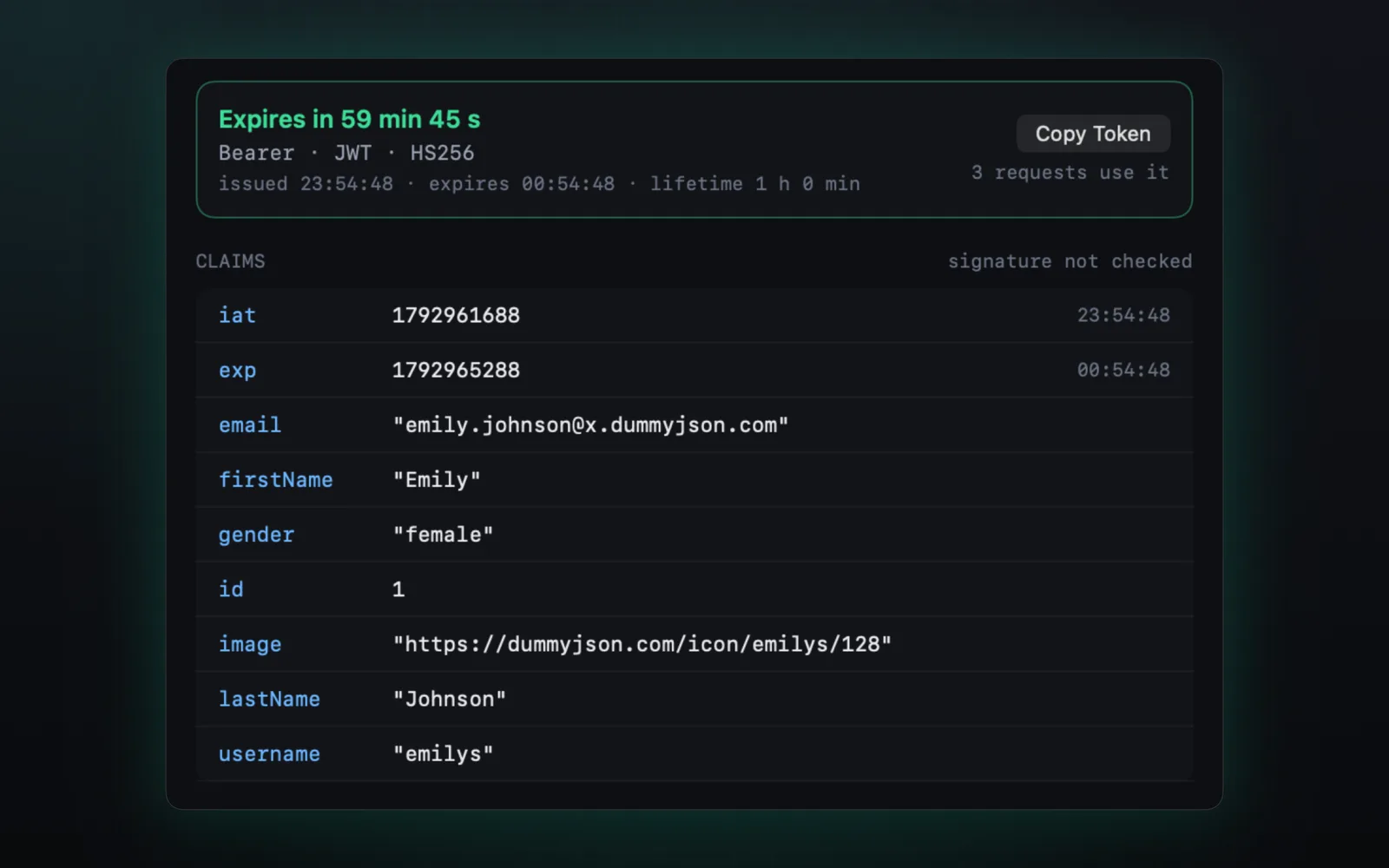
Tokens, decoded.
Every JWT your app sends, with its claims and a live expiry countdown. Secrets stay redacted when you copy.
Push, location, capture and accessibility tools for any app, in one panel beside your simulator. Add a one-line SDK for network, mocks and throttling.
Free · macOS 14 or later · DMG signed and notarized by Apple
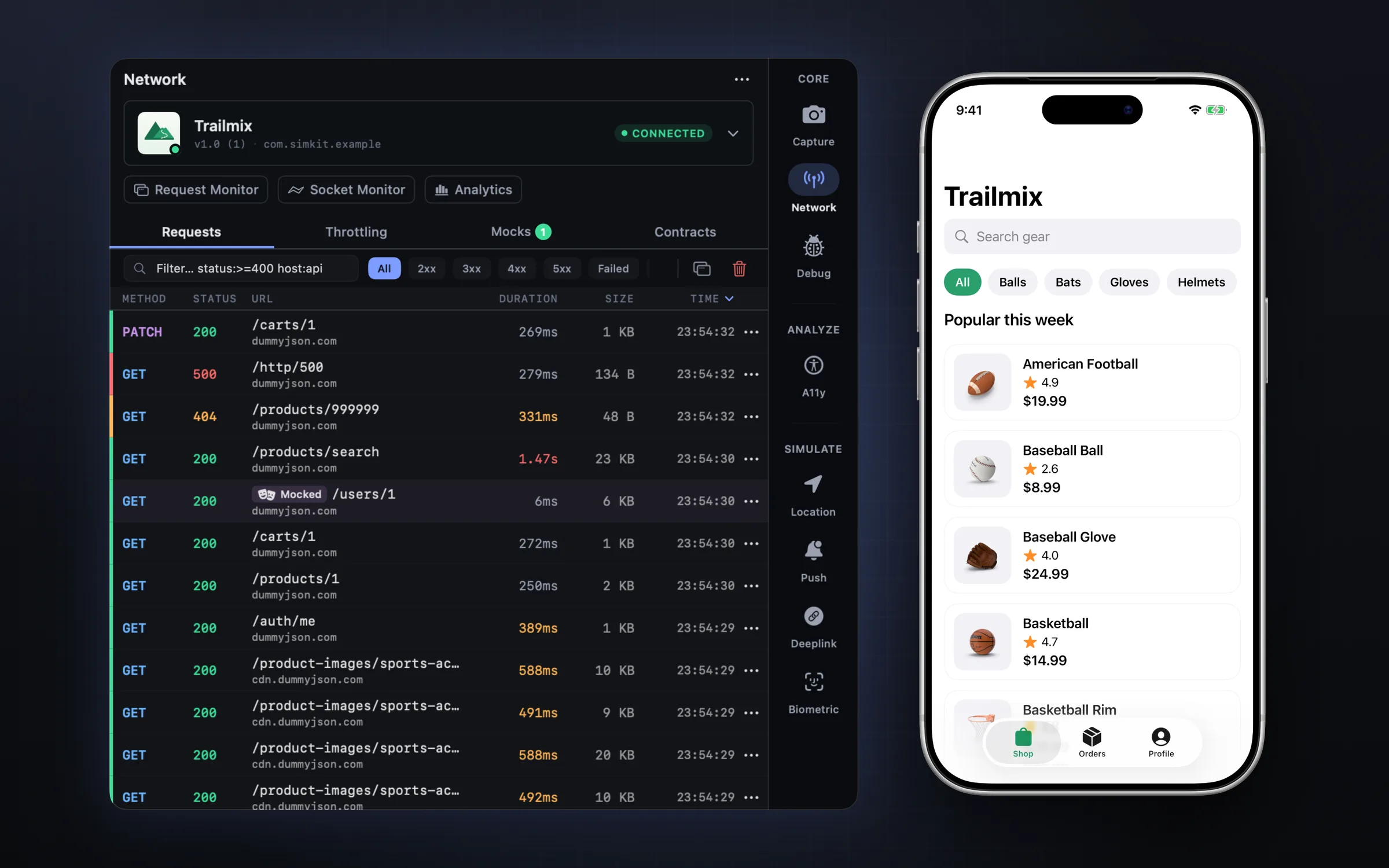
No proxy setup, no simctl one-liners, no trip to the Settings app.
Live timing, status and size for each call. Errors stand out, slow ones too.
status:>=400 host:api slow:>300ms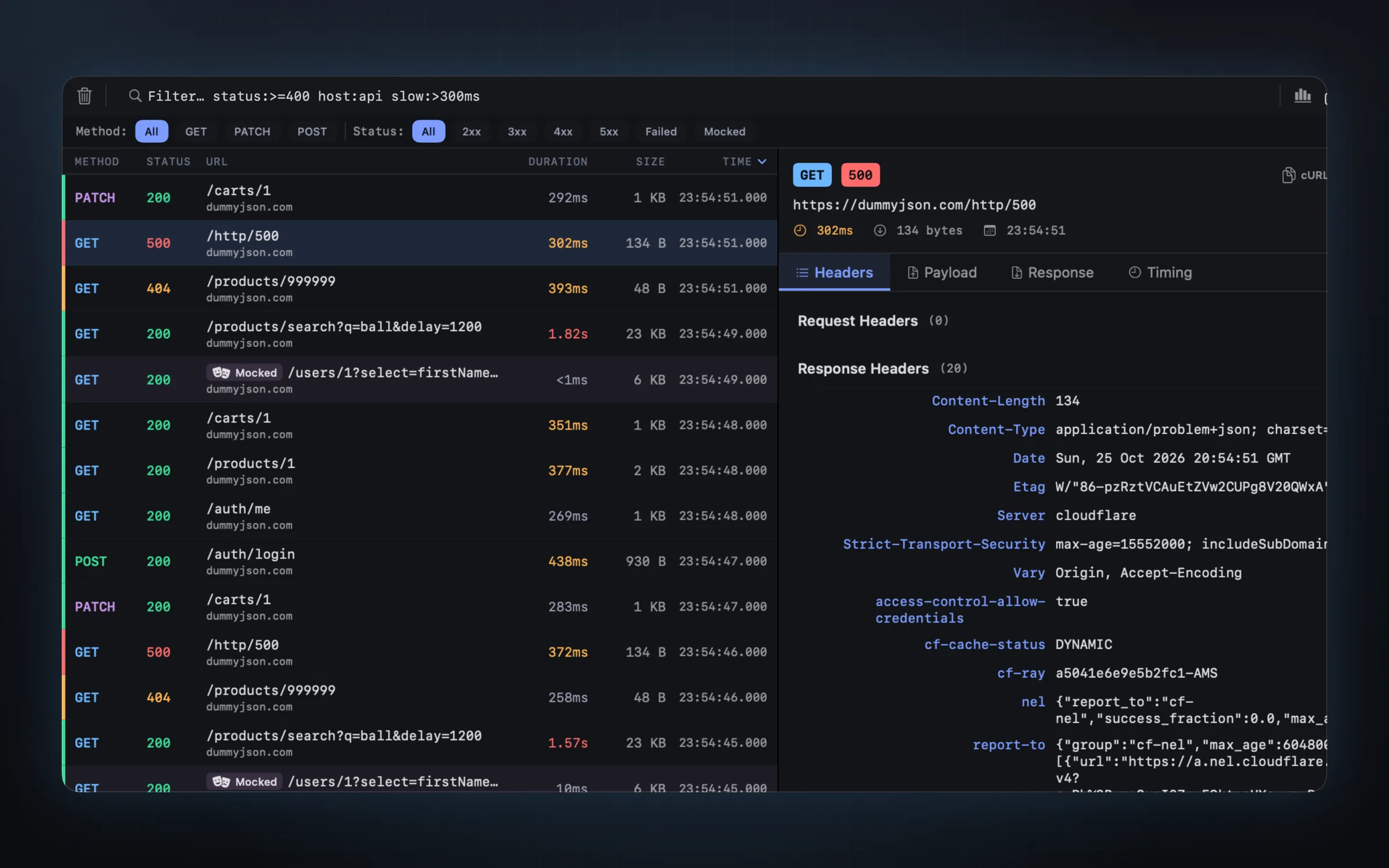
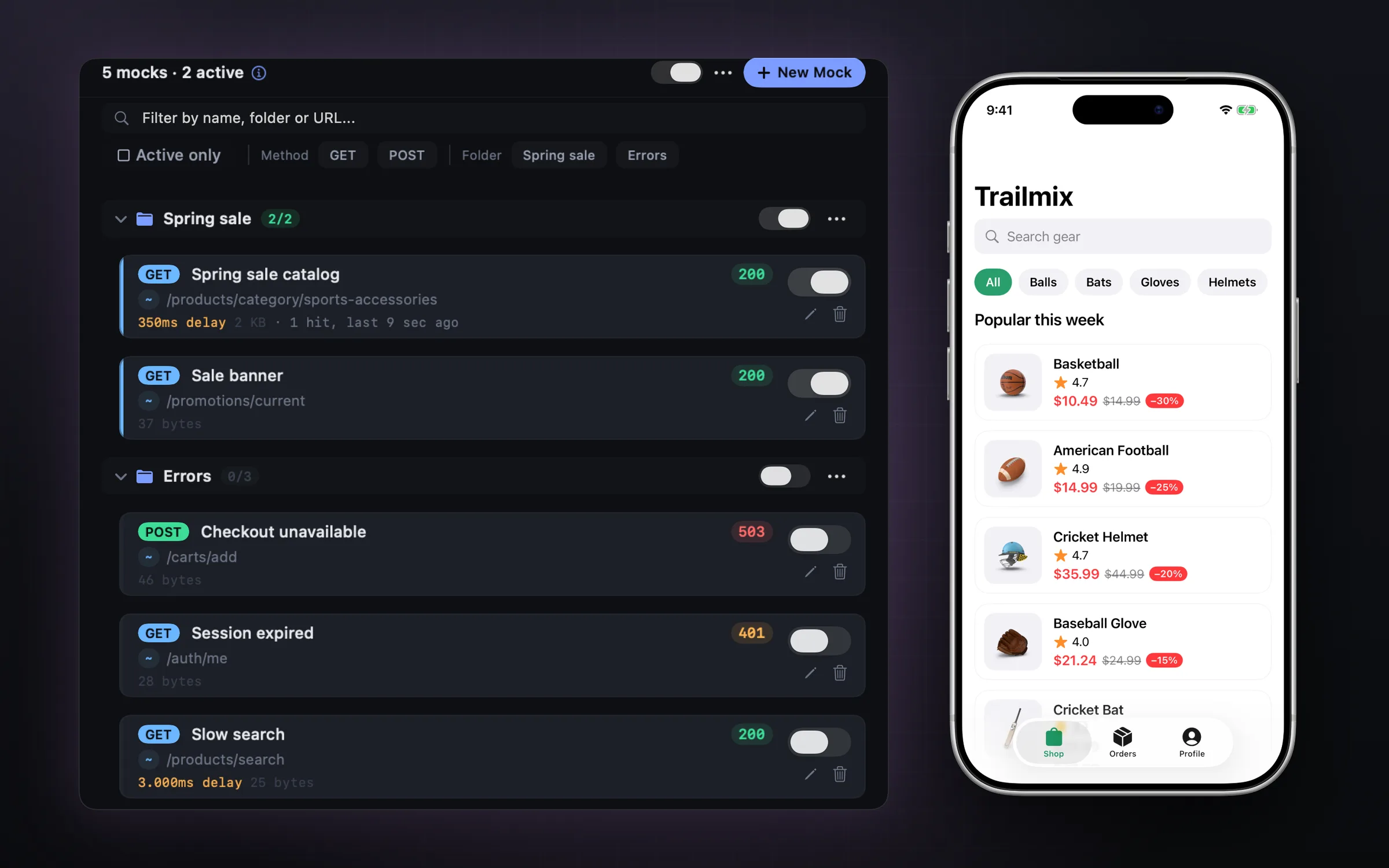
Swap a response without touching the backend. Group mocks into scenarios and flip them on together.
Every JWT your app sends, with its claims and a live expiry countdown. Secrets stay redacted when you copy.
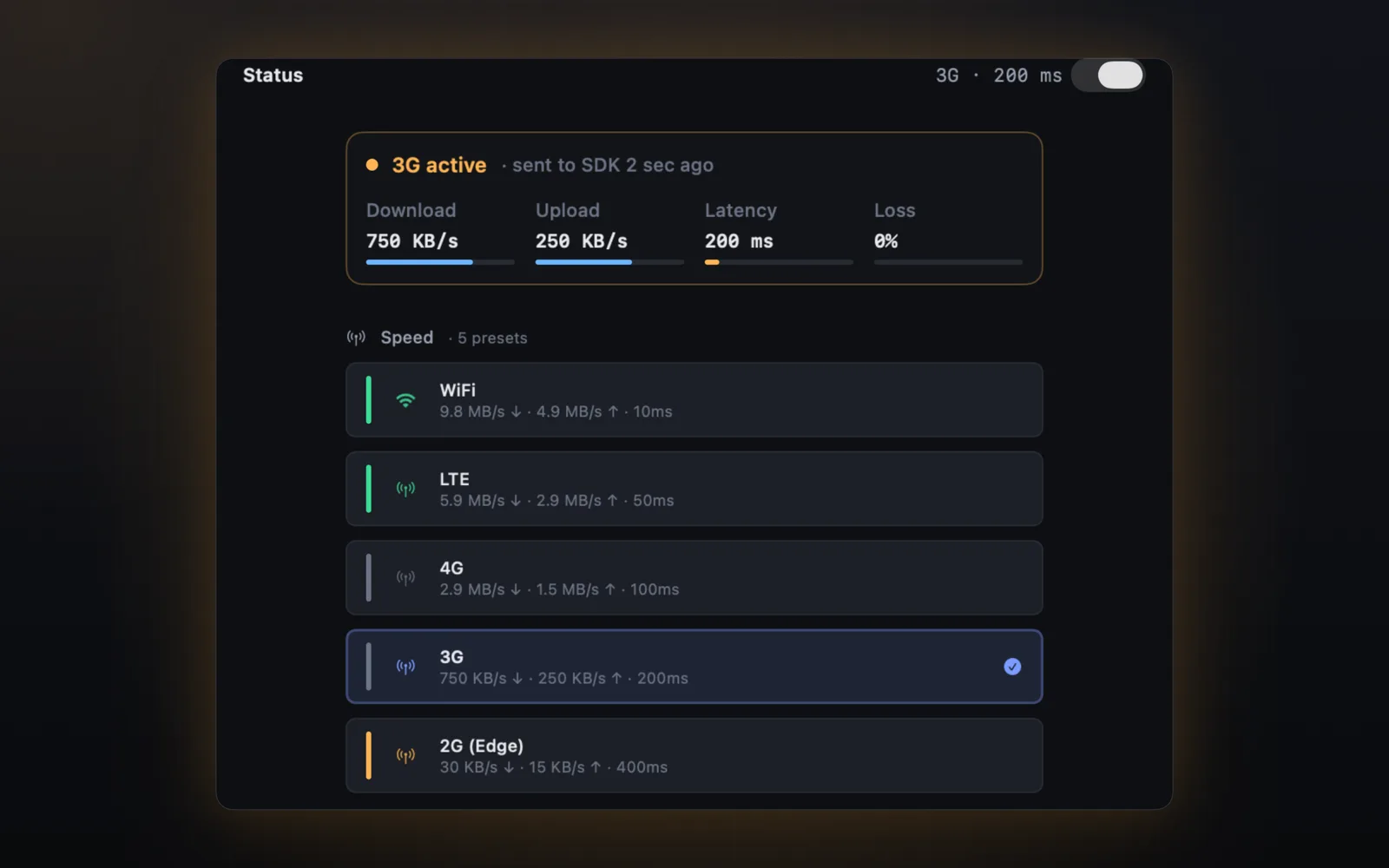
3G, high latency and packet loss for one app, not your whole Mac. Presets from WiFi down to Offline.
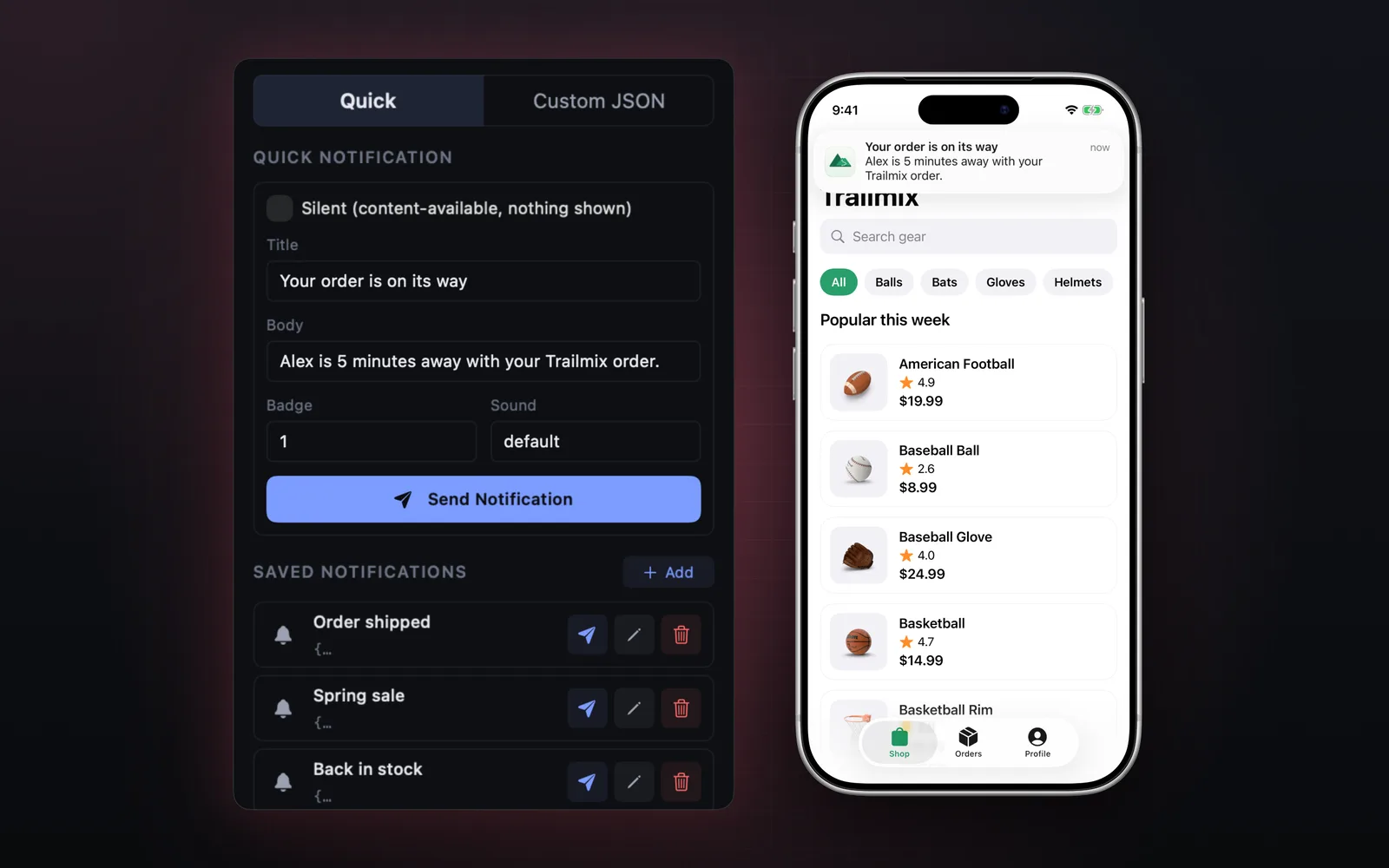
Real banners on the simulator from a quick form or custom JSON. Silent pushes and saved templates included.
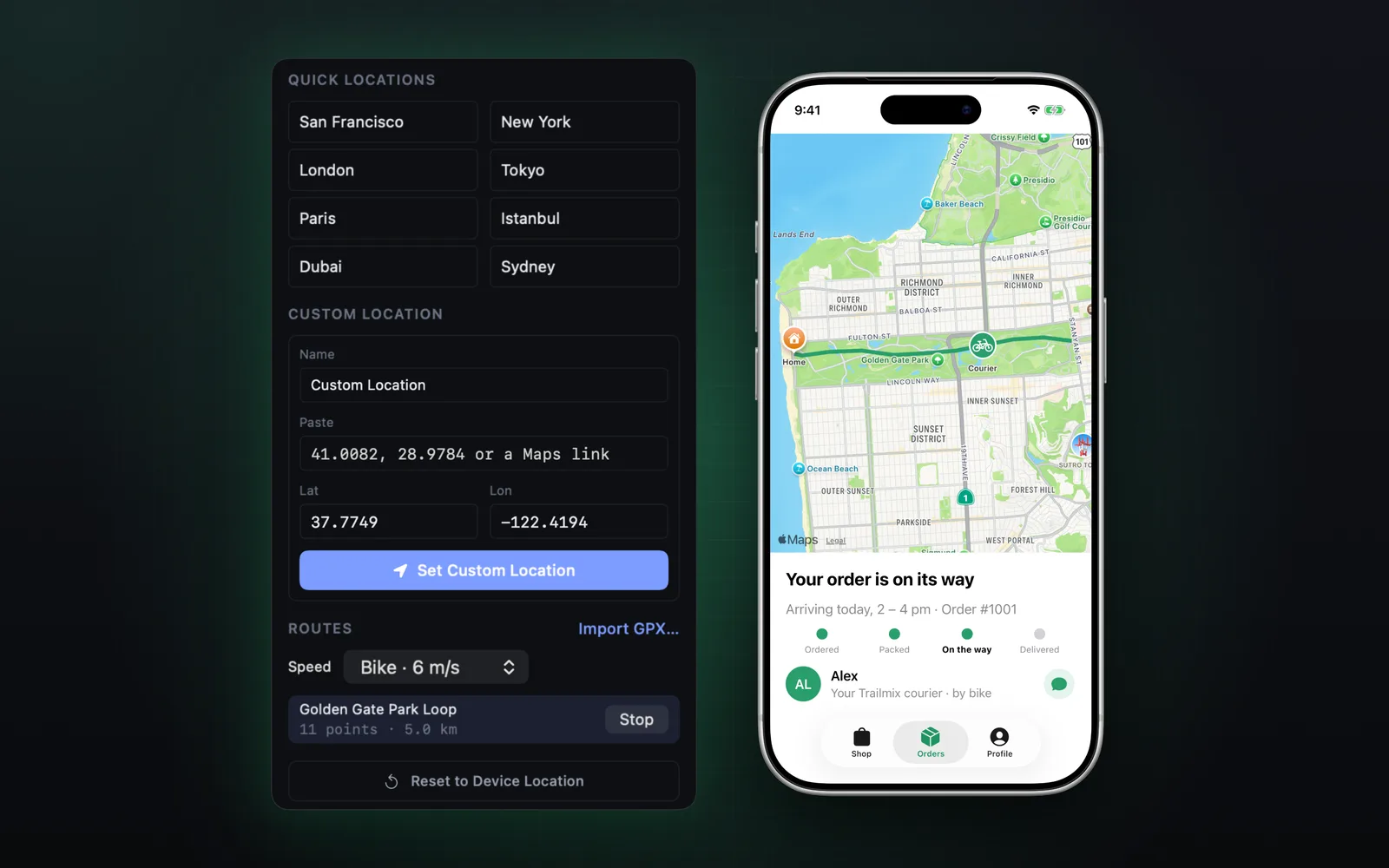
Coordinates, Maps links and GPX routes at walking, biking or driving speed.
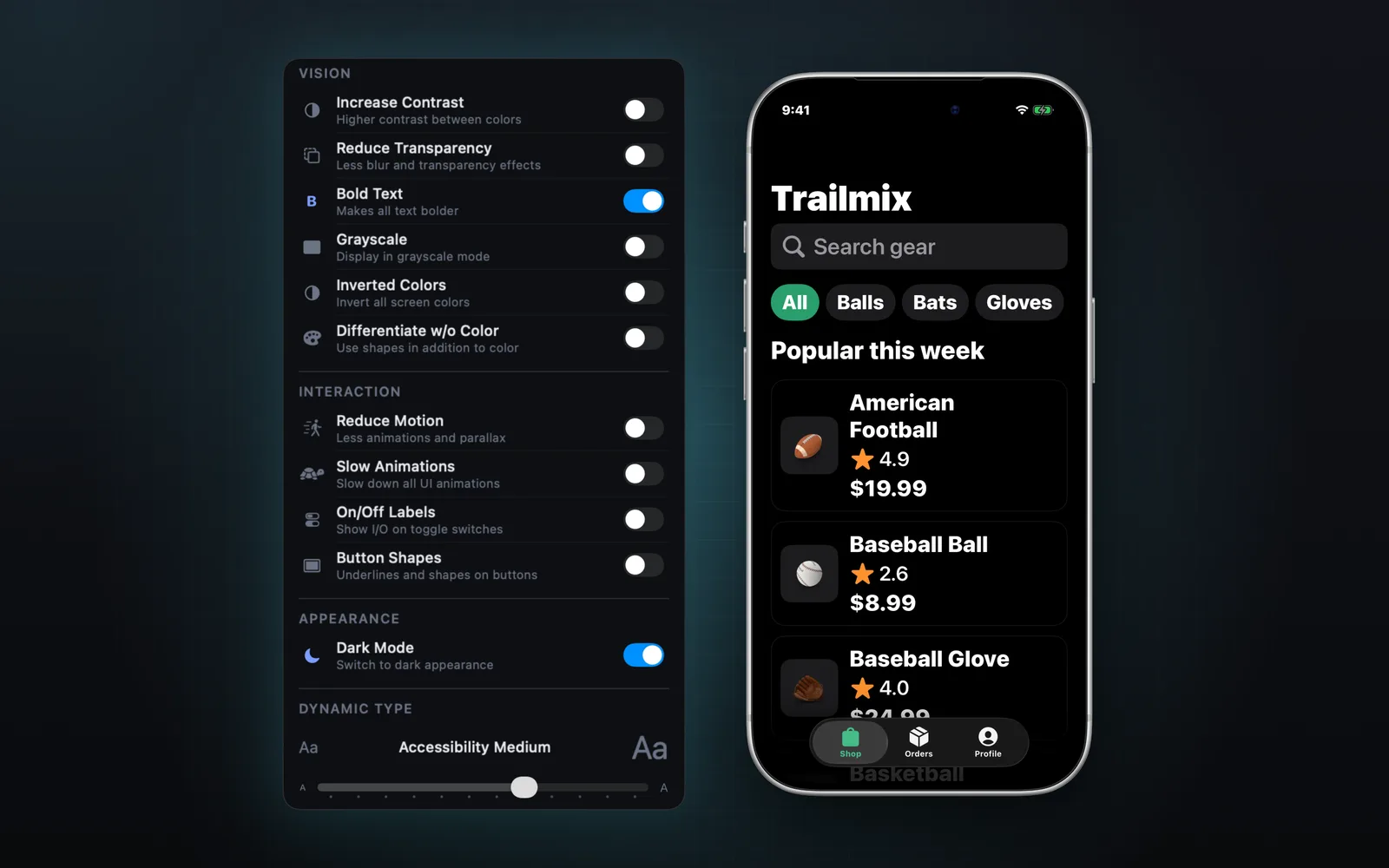
Dynamic Type, dark mode, contrast, bold text and reduce motion without a trip to Settings.
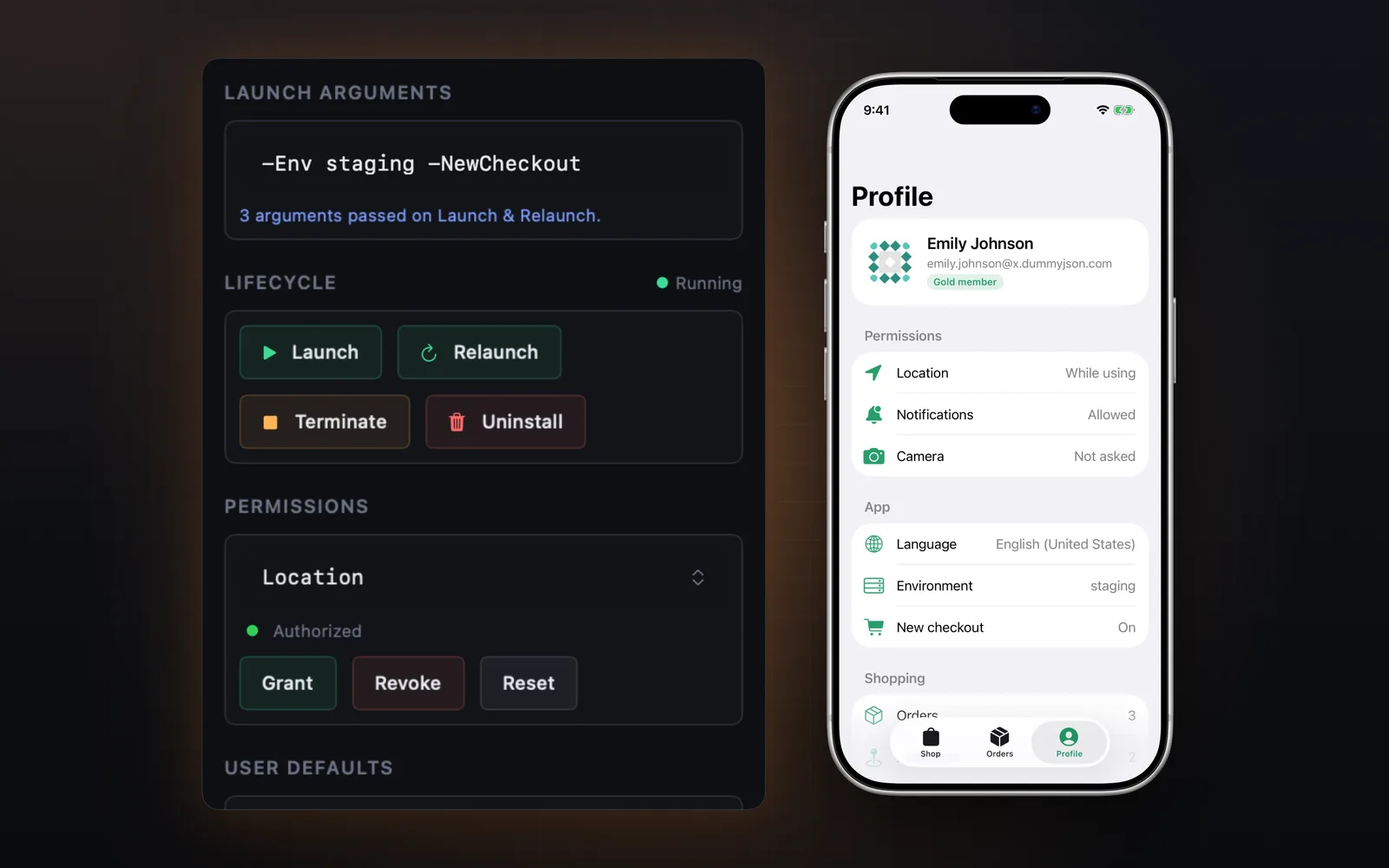
Relaunch with arguments, grant or revoke permissions, switch locale, send a shake or a memory warning.
Free, no account. Get it in a minute.
Screenshots, video and GIFs with device frames, ready for the App Store.
Grid, rulers, magnifier and a design comparison overlay with opacity.
Matching and failing biometrics, and enrollment, in one click.
A clean 9:41 status bar and real device bezels for marketing shots.
URL schemes and universal links, saved so you never retype them.
Send a shake or a memory warning to the foreground app.
Inspect socket frames as they flow, next to your HTTP traffic.
FPS, memory and CPU while you click around.
Add the SDK to unlock network monitoring, mocks, throttling, WebSocket and performance insights. Enable it inside #if DEBUG and nothing runs in your release builds.
// Swift Package Manager:
// github.com/ealtaca/SimKitSDK-Binary

import SimKit

#if DEBUG
SimKitSDK.shared.enable()
#endif

// That's it. Requests now show up
// in SimKit on your Mac.
Yes. SimKit is free with no account. Get it from the Mac App Store, or download the signed and notarized DMG from this site.
No. Capture, push, deep links, location, accessibility, biometrics and debug tools work with any app. The SimKit SDK adds network monitoring, mocks and throttling. It is one line of Swift, and you enable it inside #if DEBUG.
Captured requests, headers, bodies and tokens stay on your Mac. SimKit sends anonymous usage analytics and crash reports through Firebase. See the Privacy Policy for details.
Not yet, but it will be soon. The app's source code will be published on GitHub.
Yes. SimKit 1.7 supports the new Device Hub in Xcode 27 as well as Simulator.app in earlier versions.
macOS 14 (Sonoma) or later.
They are the same app. The App Store version updates through the App Store, the DMG version updates itself.

Free on the Mac App Store, or as a DMG straight from here.